
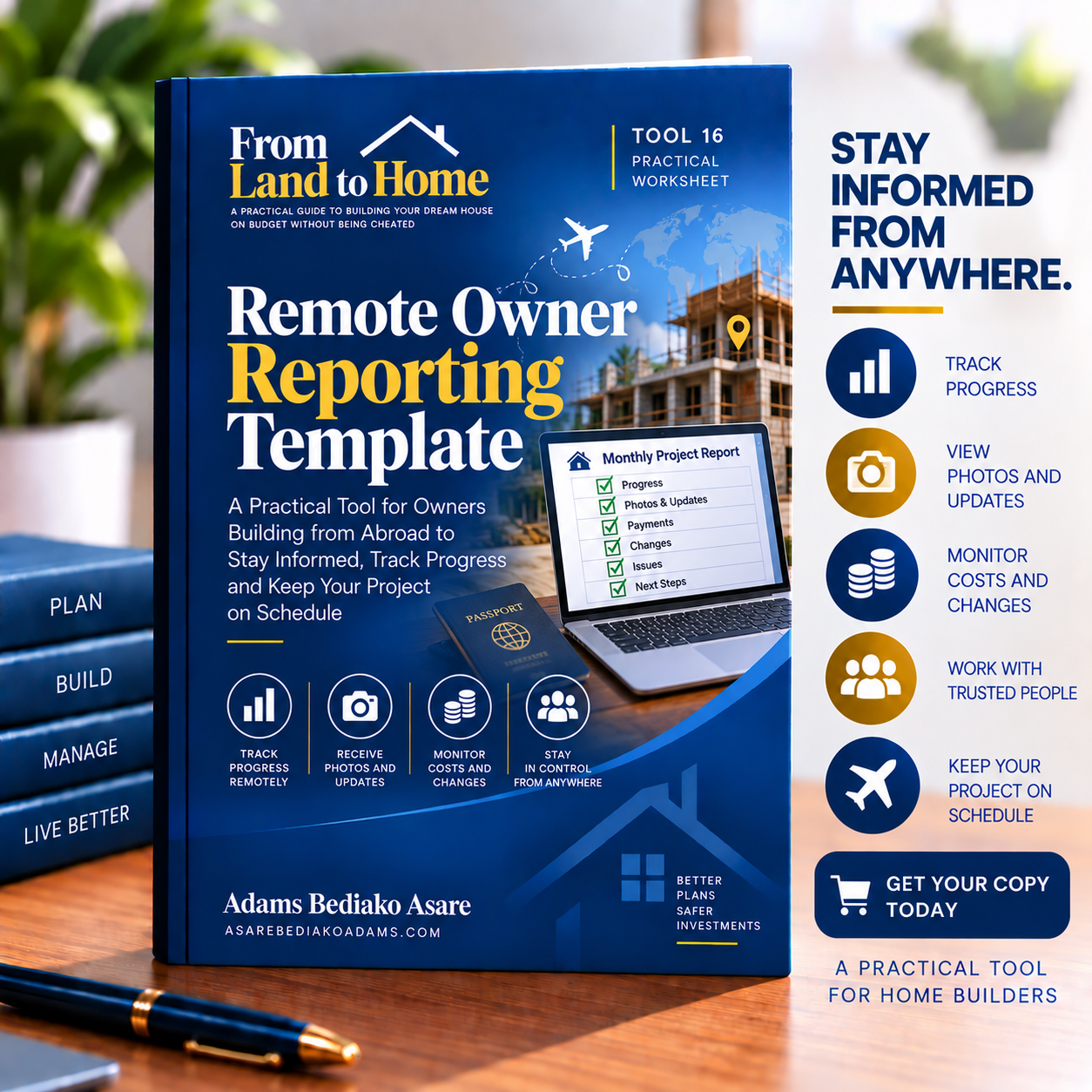
The Remote Owner Reporting Template is a practical worksheet designed for homeowners who are building from abroad and need a structured way to monitor progress, spending, decisions and problems from a distance. It is Tool 16 in the From Land to Home companion toolkit and supports Chapter 23 of From Land to Home. The template is intended to be completed once each month and encourages you to compare the contractor’s report with an independent person’s report, keeping the two sources separate.
Managing a building project from another country can make it difficult to confirm what has actually been completed, how much money has been spent and what decisions require your attention. This template brings the main project information into one monthly reporting structure.
Monitor Construction Progress
The first section helps you compare planned and actual progress for each stage of work.
You can record:
- The construction stage
- What should have been completed by the month
- Actual progress achieved
- If the project is ahead, on time or behind schedule
This gives you a simple monthly picture of how the project is performing against the plan.
Compare Independent Reports
A key feature of the Remote Owner Reporting Template is its dual-reporting approach.
Each week, you can record if you received:
- The contractor’s report
- Photographs and videos
- Your independent person’s report
- Confirmation of if the two reports agree
- Notes on any differences
This reduces your dependence on a single source of information when you cannot regularly visit the site yourself.
Track Your Building Finances
The template includes a dedicated financial section where you can record:
- Planned expenditure
- Committed expenditure
- Amount paid
- Remaining balance
You can record these figures for the current month and for the project to date.
This helps you keep project progress and financial performance in the same monthly report.
Record Payments Made
The worksheet also provides space to document individual payments made during the month.
For each payment, you can record:
- Date
- Construction stage or item
- Amount in GH₵
- Payment method
- Receipt number
- If the work was inspected before payment
This gives you a clearer payment trail and helps connect money paid with verified work.
Record Approved Changes
Construction changes can affect cost and completion time.
The template includes a section for recording changes approved during the month, together with their financial impact and effect on the programme. It links directly with Tool 15: Variation Record.
This makes it easier to see how monthly decisions are affecting the overall project.
Track Decisions That Need Your Attention
The Remote Owner Reporting Template gives you a dedicated area for decisions that require owner input.
You can record:
- Decision required
- Date by which it is needed
- Who has authority to decide
- Current status
This can reduce delays caused by unanswered questions or unclear authority.
Record Problems and Actions
The worksheet also includes a Problems and Actions section where you can document:
- The problem
- Action required
- Who is responsible
- Deadline for action
This gives you a simple monthly follow-up record of unresolved project issues.
Confirm What You Should Receive
The template includes a useful checklist of the information you should receive while managing the project remotely.
It expects:
- A contractor’s report with photographs and videos every week
- An independent person’s report every week
- Monthly budget, variation and payment records
- Video walk-throughs, inspection records and confirmation of completion at each stage
This gives you a clearer reporting standard to agree with your contractor and independent representative.
Plan Calls, Visits and the Next Month
The final section helps you record calls and visits already held and note what is planned for the following month.
This keeps communication and future monitoring activities connected to the monthly report.
What This Toolkit Helps You Do
The Remote Owner Reporting Template helps you:
- Monitor building progress from abroad
- Compare contractor and independent reports
- Track monthly and total project spending
- Record payments and receipts
- Confirm if work was inspected before payment
- Record approved variations
- Track decisions requiring your attention
- Monitor problems and corrective actions
- Confirm required reports, photos and videos
- Plan future calls and site visits
Who Is This For?
This worksheet is suitable for:
- Ghanaians living abroad and building a home in Ghana
- Property owners managing construction from another country
- Families financing projects remotely
- Owners who rely on contractors and independent site representatives
- Diaspora investors managing residential construction
- Anyone who wants structured monthly reporting without being physically present on site
How to Use It
Complete one report every month.
Ask your contractor and independent representative to provide their information separately. Compare their reports, photographs, videos and progress updates.
Record financial information, payments, approved changes, pending decisions and unresolved problems. Check that you have received all expected reports and inspection records before closing the month.
The template specifically recommends keeping the contractor’s reporting and your independent person’s reporting separate so you can compare the two sources.
Product Details
Product: Remote Owner Reporting Template
Series: From Land to Home Companion Toolkit
Tool Number: Tool 16
Related Chapter: Chapter 23
Format: Digital PDF worksheet
Length: 3 pages
Author: Adams Bediako Asare
Website: asarebediakoadams.com
The toolkit is provided for personal use and should not be sold or redistributed without permission.





Reviews
There are no reviews yet.